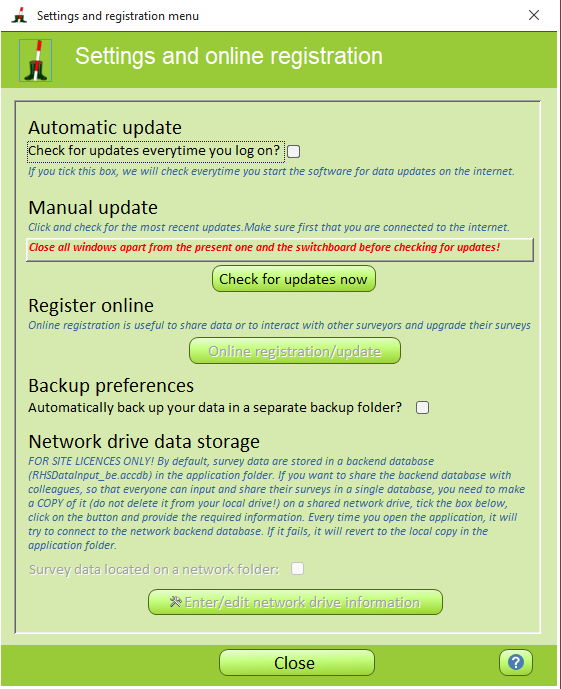
SETTINGS AND REGISTRATION MENU
The settings and registration menu enables you to:
- Enable or disable automatic update checks when starting the application. . The RHS Toolbox will log onto the designated website and check for updates of the software.
- Manually check for updates of the main files.
- Register your online profile.(see register online) or change your registration details.
- Automatically back up your data in a data backup sub-folder. The RHS Toolbox will save a copy of the back-end database (RHSDataInpu_be.accdb) in a 'UserData_backup' sub-folder in your application root folder every time you start the application. The backup file will be labelled with the date of backup. Please note that only one file per day will be saved in that folder. If you keep opening and shutting the application, it will overwrite the file and keep the last saved file.
- For site licenses only, link the database front-end to a back-end database on a network drive.